PULTRACK WMS · Live
Receiving, putaway, expiry-first picking and dispatch — every move logged: who did it, against which document.
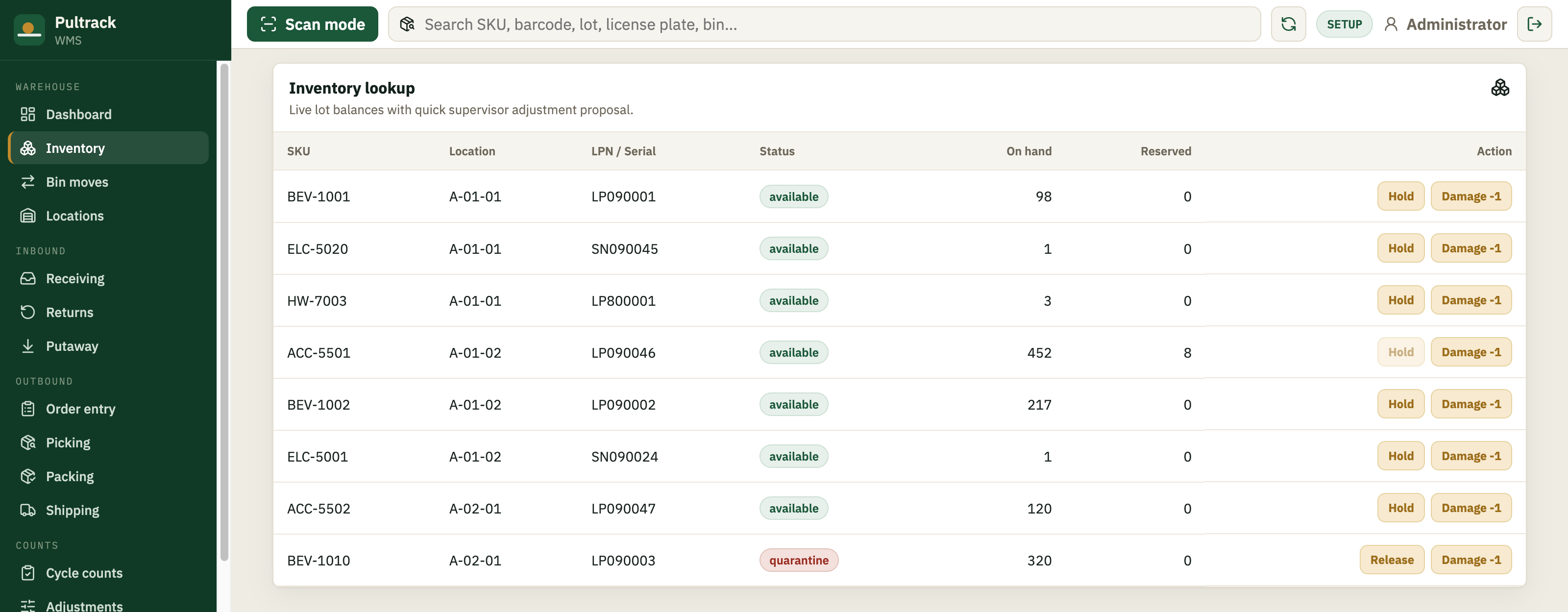
Every item has an address, not just an owner
In a shop, stock lives in a warehouse — a name on a list. For a real warehouse that isn't enough; you need the bin. WMS gives every location a code, a type and a zone, so “we have 40” becomes “40: in RCV-02 and A-01-01, and one pallet is on hold.”
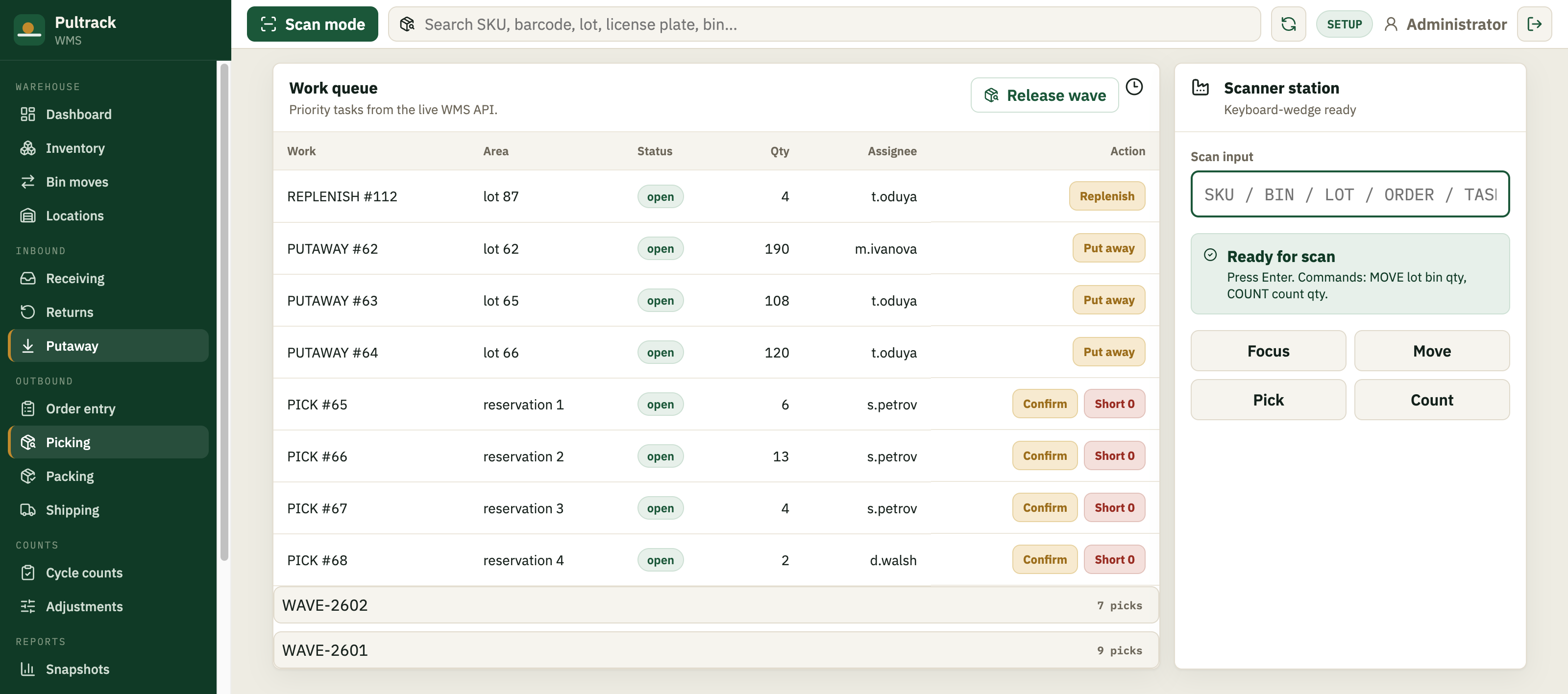
Work that is handed out, not remembered
Receiving raises putaway tasks. Orders raise pick tasks, which you batch into a wave and release to the floor. If the goods are not there, a short-pick records it and frees the reservation instead of leaving the order quietly broken.
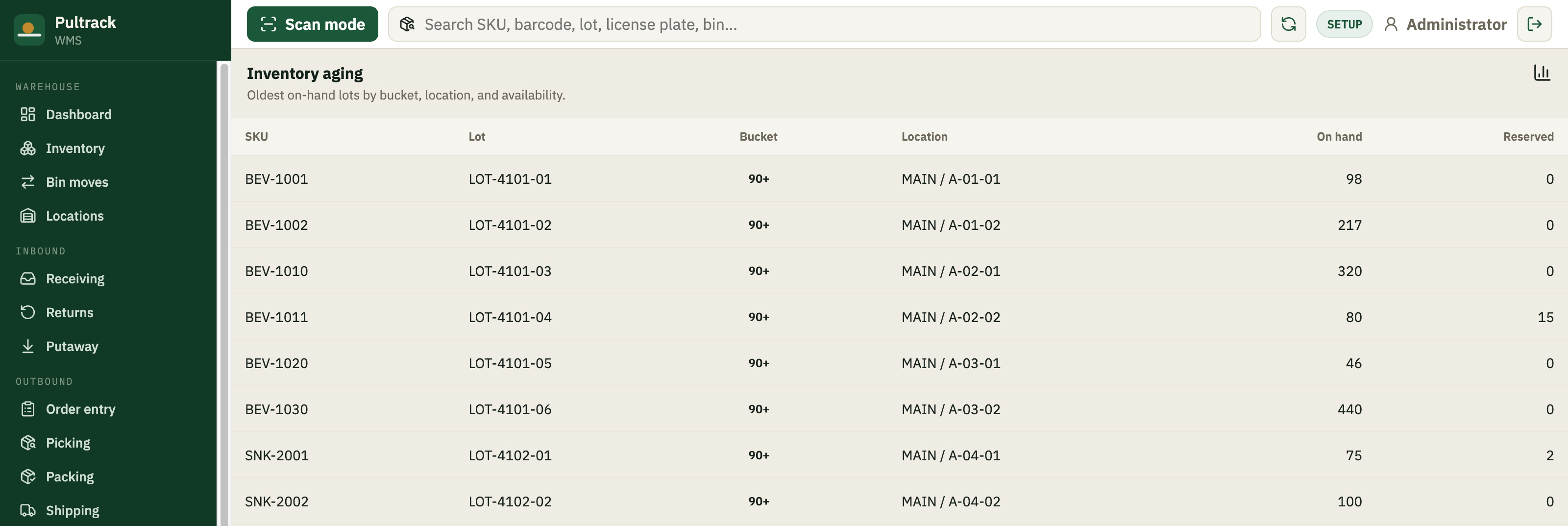
Picks by expiry, not just by age
A lot carries its own code, a licence plate and an expiry date, and allocation runs earliest-expiry-first. Damaged goods land in quarantine rather than stock, and any lot can be held and released. For food, pharmacy and cosmetics that is the difference between a recall you can answer and one you cannot.
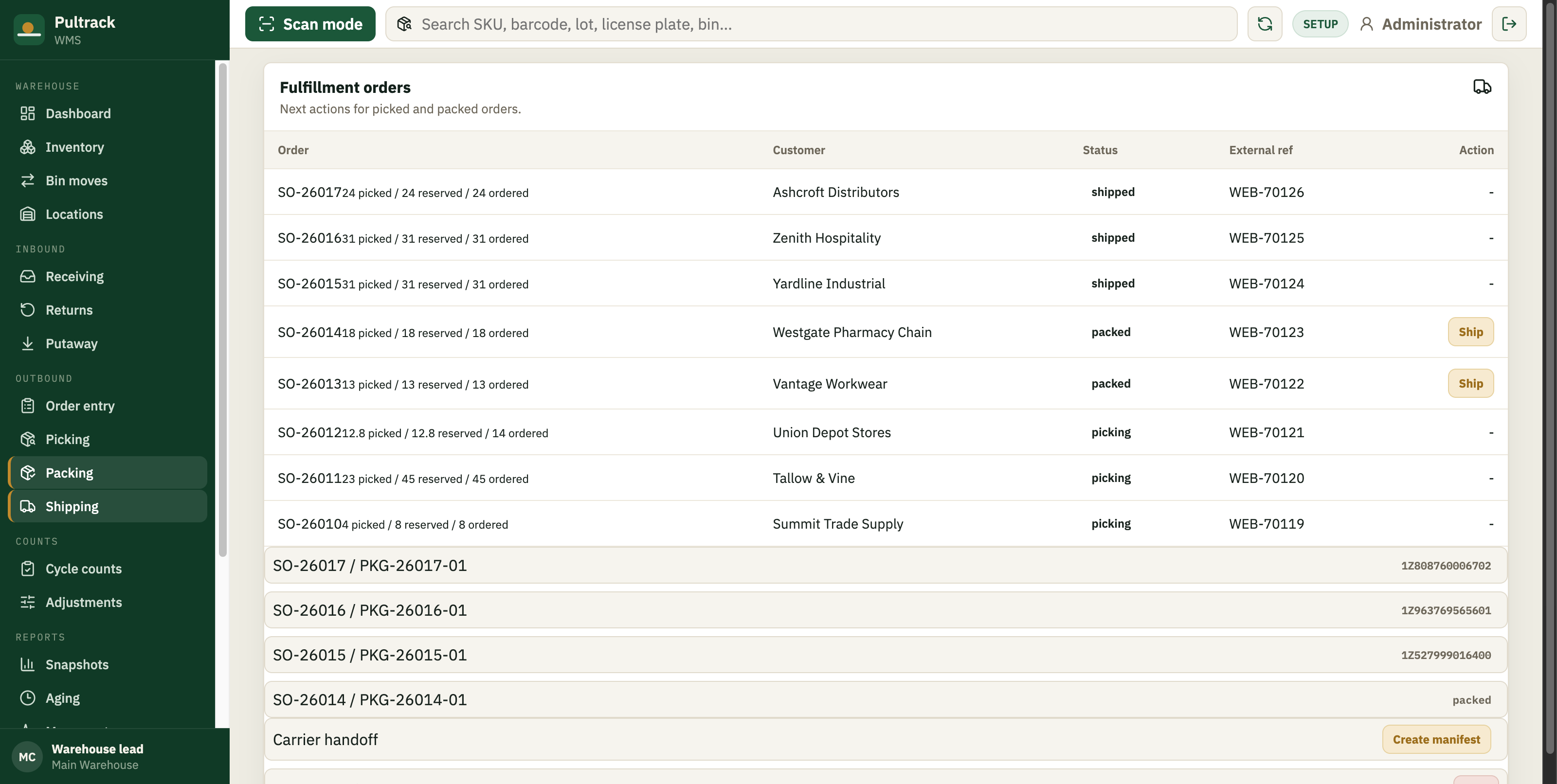
Ends at the carrier, not at the counter
Pack picked goods into numbered packages, record the carrier, service and tracking number, then close a manifest for the day’s collection. Where a customer requires it, WMS emits an EDI 945 shipping advice.
- 01Create the warehouse and its bins, zones and quarantine
- 02Receive a delivery — lot codes, licence plates, expiry dates
- 03Run an order through: pick, pack, ship, close the manifest
Do I need Pultrack POS as well?
No — WMS runs on its own. They do different jobs: POS keeps the books, with real double-entry, P&L and a balance sheet; WMS keeps the floor. WMS holds no accounts and no costs by design. If you already run POS, WMS is what you add when the building outgrows one person’s memory.
Does WMS sync with POS today?
Not yet, and we would rather say so here than let you find out later. WMS ships the integration contract — staged inbound and outbound events, replay, retry and a dead-letter view — but the automatic exchange between the two products is not switched on. Today you move data by CSV and API. We will change this line the day that changes.
Does it work offline, the way POS does?
No. POS is offline-first because a shop has to keep selling when the line drops. WMS is a web app: it installs to a phone or tablet home screen, but recording a movement needs the network.
What do the people on the floor need?
A browser. It installs to a phone or tablet from the home screen, and a barcode scanner that types like a keyboard works with no driver or SDK — scan a SKU, a barcode, a bin, a lot code, a licence plate or a serial and it resolves to the right thing.
How do I start?
Sign up at wms.pultrack.com and you get your own warehouse on its own database. Message us on Telegram if you would like a hand bringing opening stock across.